
Vault - Budget Planner1.2.1 - App Store
You'll be able to see results in few seconds.
Publisher Description
Plan your home budget in advance.
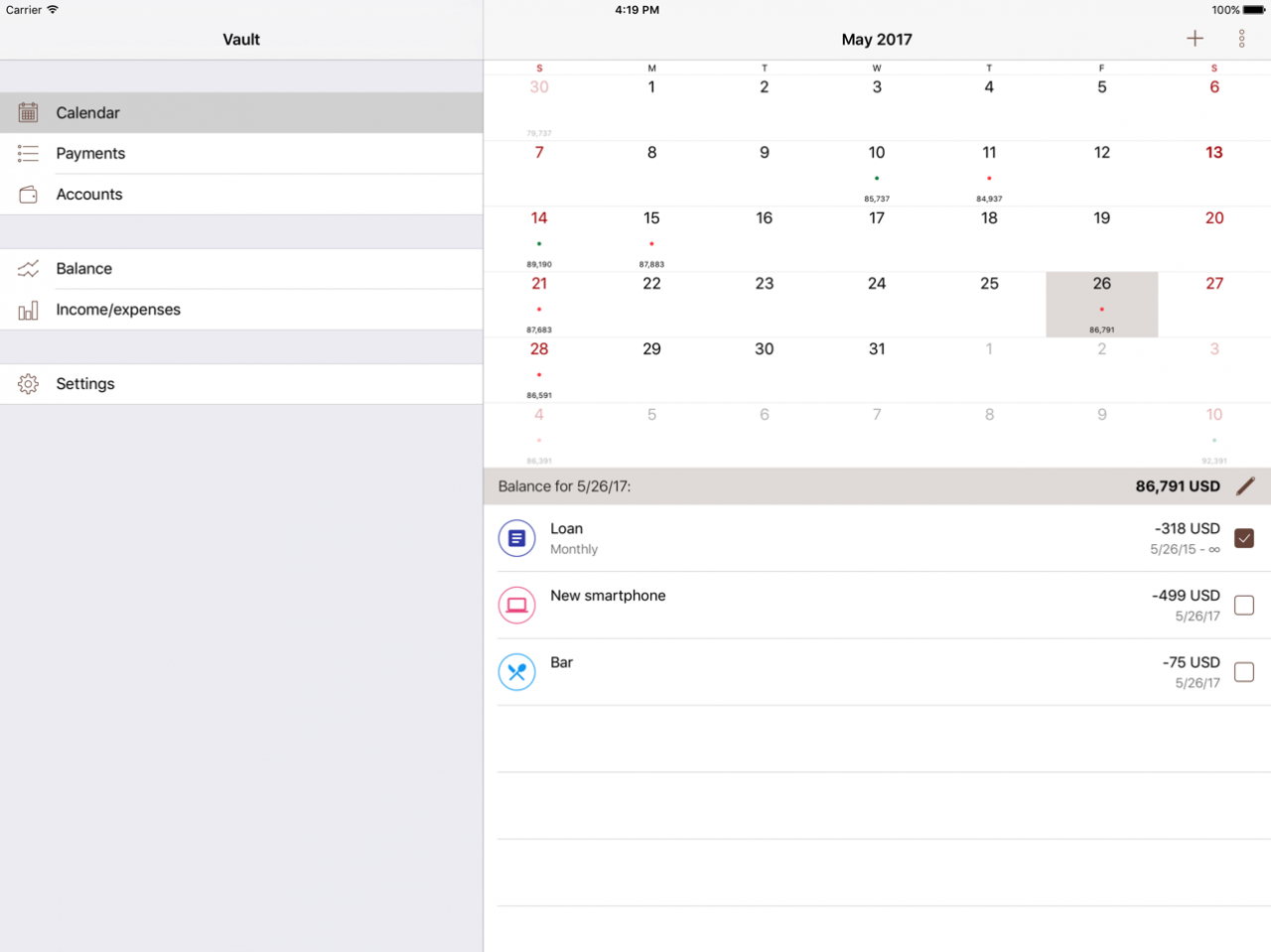
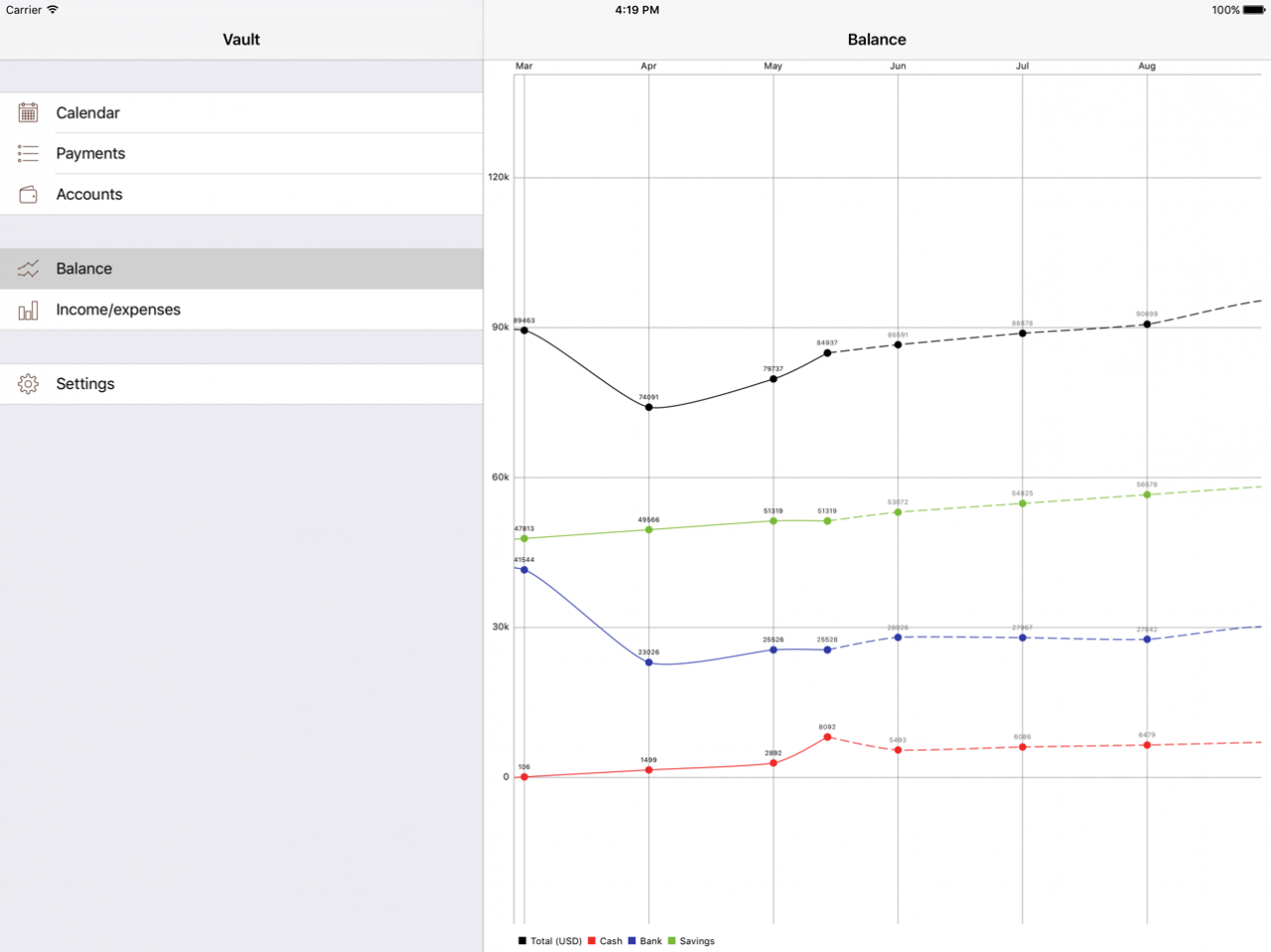
With this simple budgeting tool you will be able to see your current and future financial situation right on the calendar. Entering periodic expenses and income is enough to see your estimated balance forecast for any date in the future. Add planned spendings to check whether you can afford it by specific date.
Features:
-Calendar showing calculated balance or spent/received money for any date
-Budget planning and balance forecast* based on your income and spendings
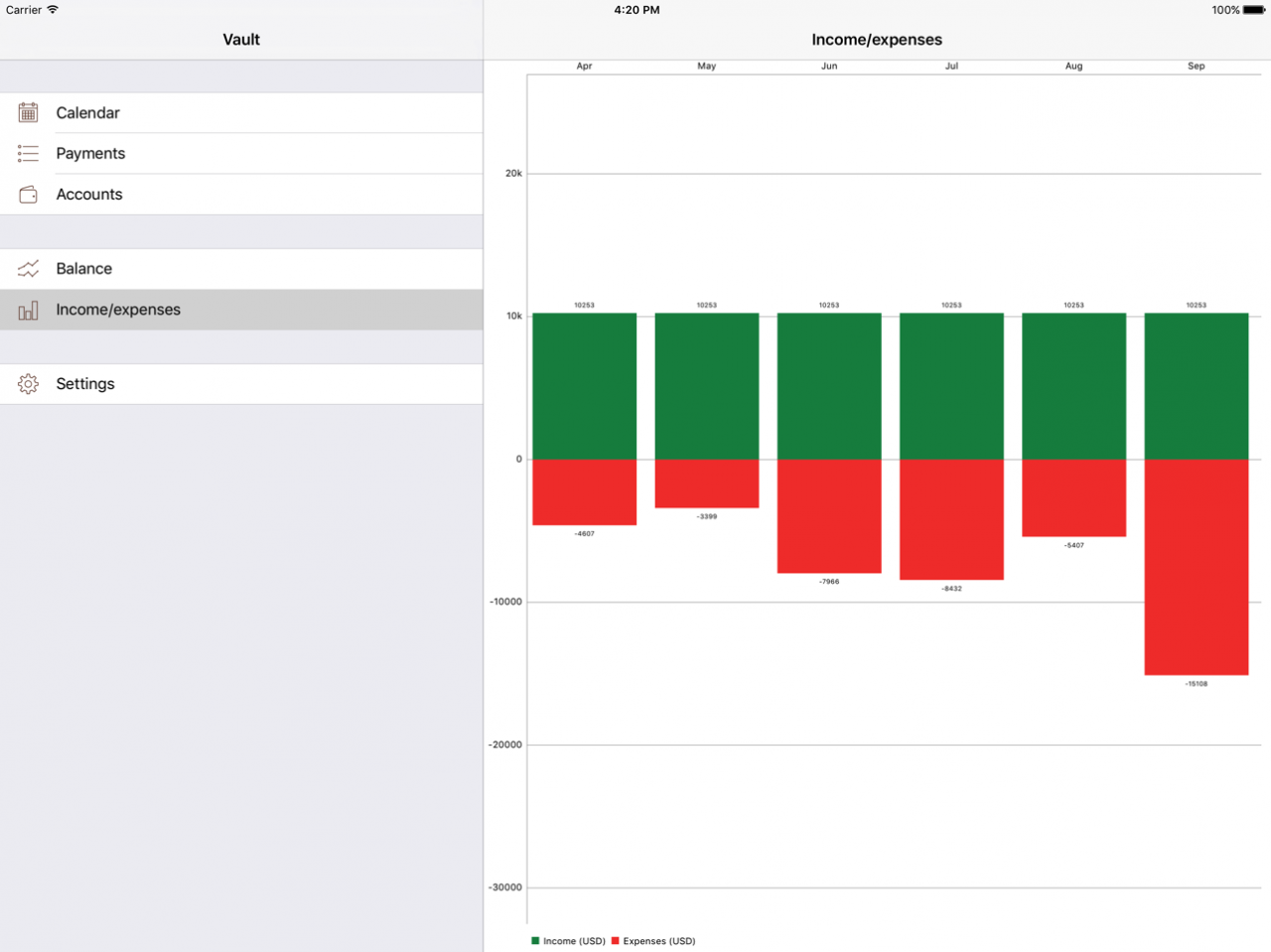
-Balance and income/expenses charts (graphs), including future dates*
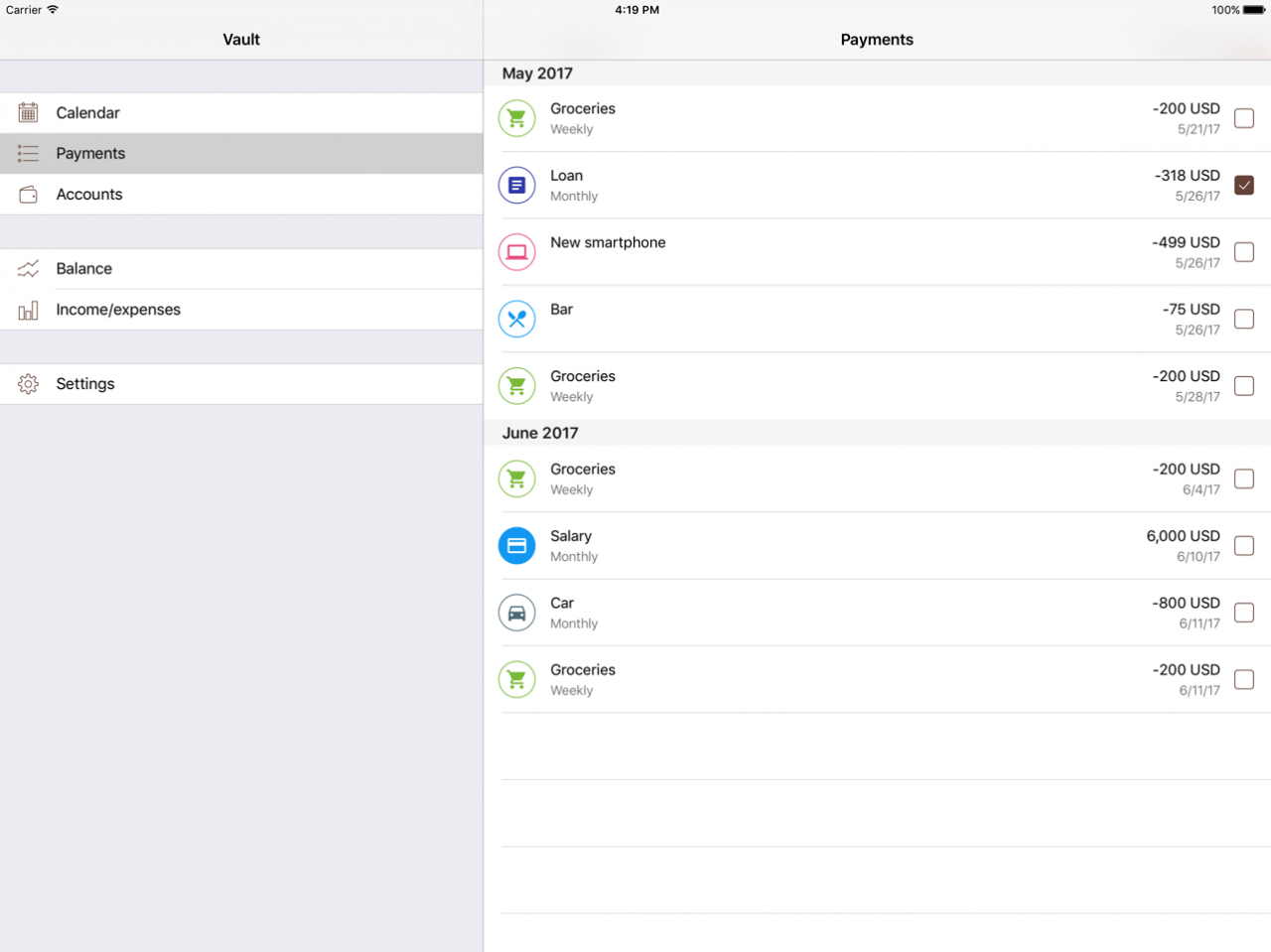
-Chronologically ordered list of upcoming payments
-Cloud sync*
-Multiple accounts* with different currencies
-Payment notifications*
-Automatic currency conversion*
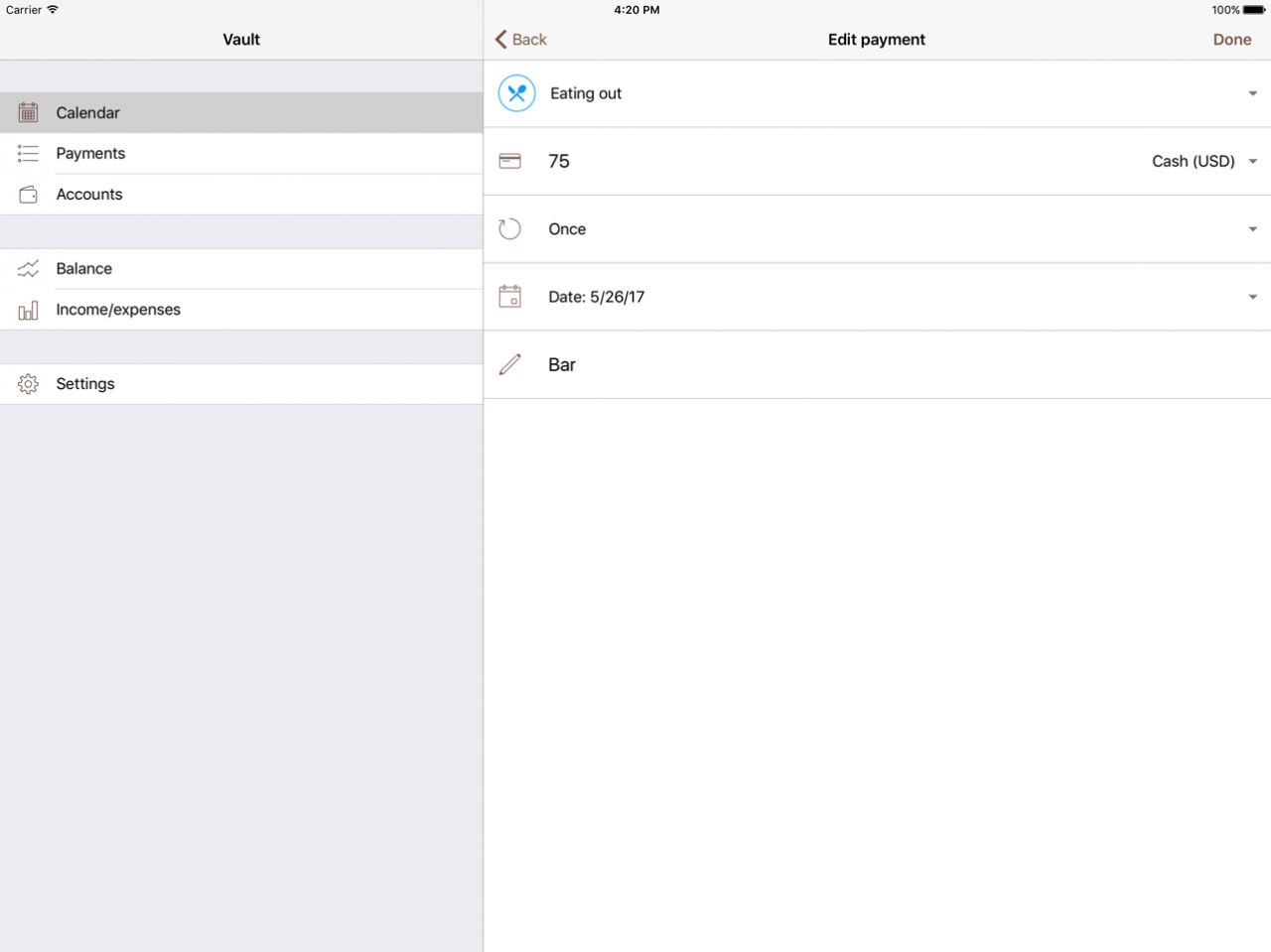
-Editable categories
-Mark transactions as paid
-Filter payments by account
*In-app purchase required to unlock. Free app is restricted to 2 accounts and 2 months of budget forecast. Free version has no ads.
For any questions, issues and suggestions please write to sergeytubindev@gmail.com (English only).
If you like Vault, please support it by rating and leaving a review!
Apr 21, 2018 Version 1.2.1
This app has been updated by Apple to display the Apple Watch app icon.
Payment notifications (Pro-only feature, requires in-app purchase)
About Vault - Budget Planner
The company that develops Vault - Budget Planner is Sergey Tubin. The latest version released by its developer is 1.2.1.
To install Vault - Budget Planner on your iOS device, just click the green Continue To App button above to start the installation process. The app is listed on our website since 2018-04-21 and was downloaded 0 times. We have already checked if the download link is safe, however for your own protection we recommend that you scan the downloaded app with your antivirus. Your antivirus may detect the Vault - Budget Planner as malware if the download link is broken.
How to install Vault - Budget Planner on your iOS device:
- Click on the Continue To App button on our website. This will redirect you to the App Store.
- Once the Vault - Budget Planner is shown in the iTunes listing of your iOS device, you can start its download and installation. Tap on the GET button to the right of the app to start downloading it.
- If you are not logged-in the iOS appstore app, you'll be prompted for your your Apple ID and/or password.
- After Vault - Budget Planner is downloaded, you'll see an INSTALL button to the right. Tap on it to start the actual installation of the iOS app.
- Once installation is finished you can tap on the OPEN button to start it. Its icon will also be added to your device home screen.
Program Details
System requirements
Download information
Pricing
Version History
version 1.2.1
posted on 2018-04-21
Apr 21, 2018 Version 1.2.1
This app has been updated by Apple to display the Apple Watch app icon.
Payment notifications (Pro-only feature, requires in-app purchase)
Disclaimer
Official App Store Link
We do not host Vault - Budget Planner on our servers. We did not scan it for viruses, adware, spyware or other type of malware. This app is hosted by Apple and passed their terms and conditions to be listed there. We recommend caution when installing it.
The App Store link for Vault - Budget Planner is provided to you by apps112.com without any warranties, representations or guarantees of any kind, so access it at your own risk.
If you have questions regarding this particular app contact the publisher directly. For questions about the functionalities of apps112.com contact us.
